AI image tools let a care home improve its real photographs, with better light and sharper crops, without a big budget or a long wait.
Used honestly, with consent and no made-up scenes, they help your photos show the warmth families are looking for.
Here is where they help, where they do not, how to start, and where proper care home photography still earns its place.
Using AI image tools for care home photography honestly
AI image tools can help when your home’s photos need attention and a photographer is weeks away. Your aim is to show your real home in a way that reassures families and respects your residents.
Why Your Photos Matter More Than You Think
When families scroll past your website or flick through reviews, they notice the pictures. Photos are often the first thing a family judges you by.
One poor image, with harsh lighting or blank faces, can put off someone who would have been a perfect fit for your home.
Hiring a professional photographer can feel out of reach for smaller homes, and staff don’t always have the time or skills for perfect shots.
Families and your local community judge you on what they see online. AI tools can help here, if you use them right.
What Are AI Image Tools?
You don’t need to be a tech genius. These are websites and apps (such as the editor on your phone or Canva’s photo tools) that help you improve ordinary photos.
They can reduce background clutter and brighten a gloomy room.
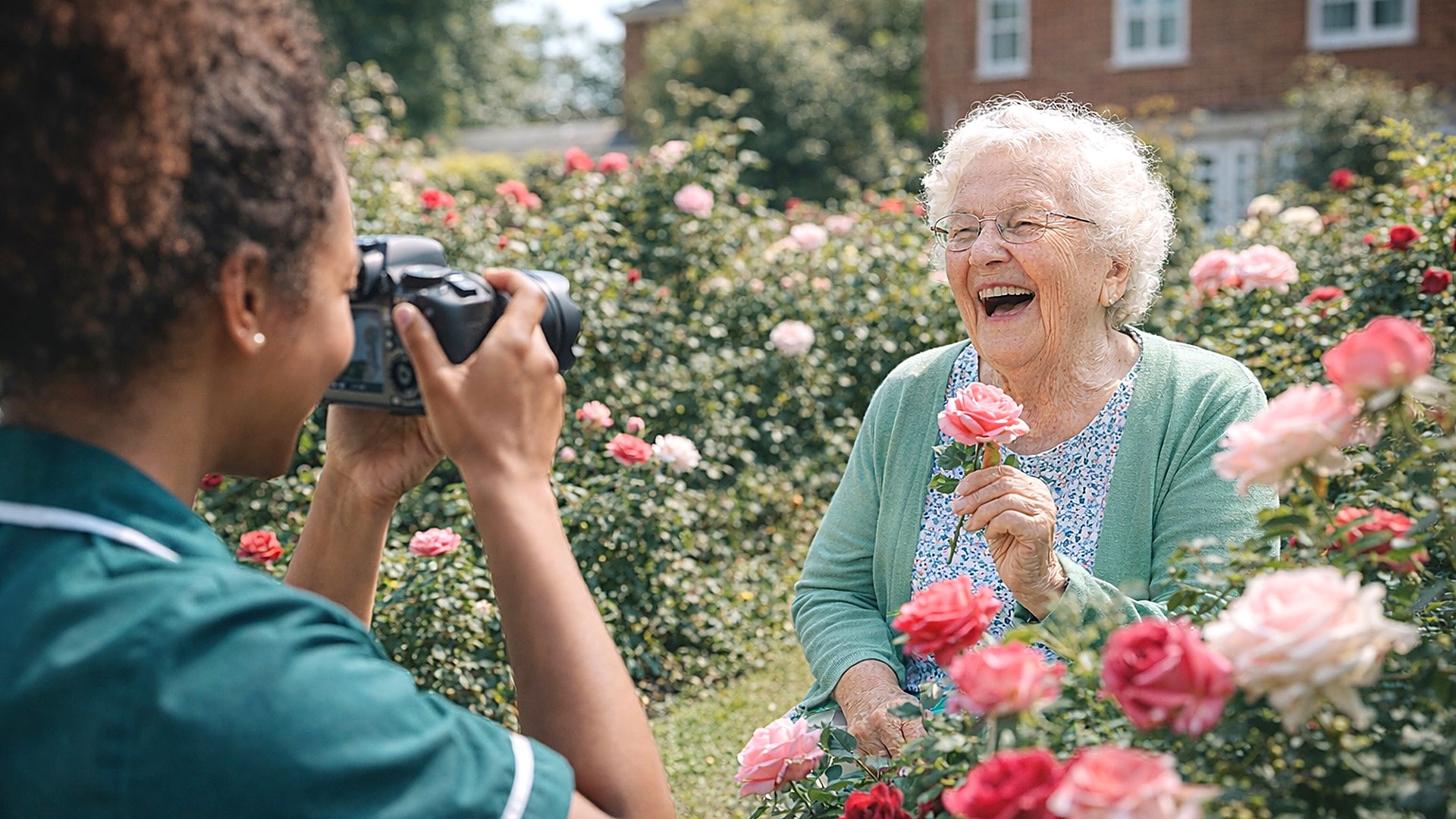
They help you show small moments that matter, such as a cuppa after lunch, a birthday cake, or the bond between a resident and a staff member.
Where do AI tools shine in care home photography?
Tidier backdrops. A cluttered corner? AI can tidy small distractions, as long as the room stays the room a family will see.
Highlight the human moments. Sometimes it’s the tiny glance, the hand on a shoulder, or afternoon sun streaming in that says more than any tour ever could. AI tools can help these moments shine by improving light, focus, and colour.
Faster updates for your site and socials. Don’t hang about waiting weeks for new snaps. You can edit photos from last night’s quiz, Macmillan coffee morning, or the local vicar’s visit and post today.
Warmer, less clinical pictures. Better light and a careful crop can keep the focus on life, relationships and comfort, which is what families are looking for.
Sound Too Good to Be True?
You may worry about “fake” images or things looking too polished. Fair enough. Nobody wants to see generic stock photos. They want to see your real team, and residents who have happily agreed. The good news? The best AI tools work on your own photos, with your own people. You keep control.
Always get recorded consent from the resident, or from someone with legal authority to decide for them. See the ICO’s guidance on valid consent.
This is general guidance, not legal advice. And keep it real: AI should tidy up, not make things up.
How to Get Started (Even If You Hate Tech)
Start small. Try a photo of your lounge or your Christmas fete in the photo editor on your phone or a tool like Canva.
Before you upload anything showing a resident, check the tool’s terms and your consent form. Tidy small distractions, and see if brightening the image helps.
There’s no need to spend hours. Many of these tools have one-click options, so check the result before you use it. Still not sure? Ask your receptionist or activities lead.
Someone on your team may enjoy having a go.
Common Mistakes to Avoid with AI Image Tools
Over-editing, so everything looks fake. Families want to see what your Home really looks like.
Forgetting permissions. Always get recorded consent before you share photos online.
Letting staff snap photos in uniforms with lanyards or sensitive info visible (AI can help blur this out, but check before you post).
Only posting “special occasion” pics. Those small moments with toast and jam, or a muddy walk in the garden, matter just as much.
Real Life, Not Shiny Nonsense
Here’s the blunt bit. No one chooses your home because it has the poshest wallpaper or the biggest lounge.
But if your photos show it as cold, empty or clinical, families may look elsewhere. Careful editing can help the warmth in a real photograph come through.
Picture a resident’s birthday. The kitchen bakes her favourite cake, and local children draw her cards. That smile is what people want to see.
With her agreement, share moments like that, polished just enough so the warmth comes across.
Enquiry follow-up emails to families (show them what daily life looks like)
Private Facebook groups for families and friends
Even if your Home has top-tier care, families won’t always believe it until they can see it. Reassurance starts with what you share.
Keeping It Ethical
It’s tempting to take things too far with AI. But always ask: does this photo honestly reflect life here? Your goal is to help families see the truth.
Residents laughing over bingo, or feet up in a sunny spot with a brew? If that’s your home, show it, gently polished with AI if it helps.
Give families the peace of mind they want. Help staff feel proud when they see themselves online. Your reputation in the local community takes shape in these little ways.
Tools are one small part of showing your home honestly, and our practical guide to care home branding, photographs and film covers the rest.
3 Simple Things You Can Do Today
Snap a new photo of a small, real moment and brighten it using your phone or Canva’s photo editor.
Double-check consent forms for all residents and staff in existing website images.
Remove background clutter from one key homepage photo to make your site feel warmer, not clinical.
Barry Jobson, founder
25 years in brand, digital and marketing, six of them only in care. Barry writes the Quick Wins email every week and still answers the phone.
The questions people ask. Answered in a line or two.
Are AI-edited photos ethical for care homes?
Yes, if you are enhancing real, consented photos of your actual home and never making up scenes or people.
In care, honesty is the line: families must recognise the home they visit from the photos they saw.
Which jobs are AI image tools best at?
The unglamorous ones: fixing dim lighting, tidying small distractions, smart cropping, and resizing one good photo into every format your website and social channels need.
For moving pictures, no AI tool replaces a steady walk through the real building, and our page on care home video production shows what that looks like.
When should we book a professional photographer instead?
For the main set of warm, real pictures your website and brochures are built on. AI can keep that set fresh between shoots, and Nano Banana is one tool for the tidying jobs.